
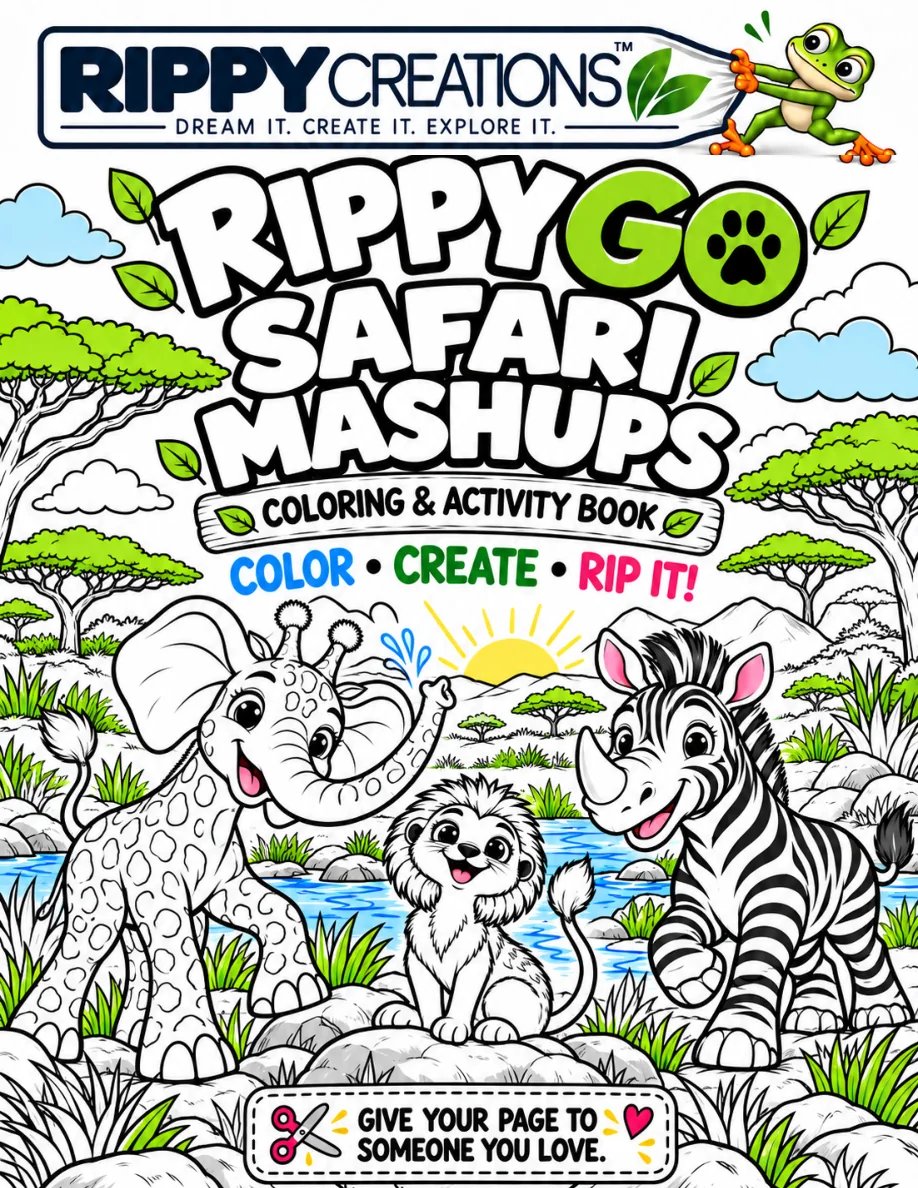
Safari
Mashups
A wild new place for imagination to roam.
Meet 27 playful safari mashups. Color each creature, read three quick facts about both animals behind it, then draw your own version on the facing page.
Meet Giraffant.
Then make your own.
Color the giraffe-elephant mashup, learn about both real animals, and turn to the Imagination Station to draw your version.
 What would your Giraffant look like?
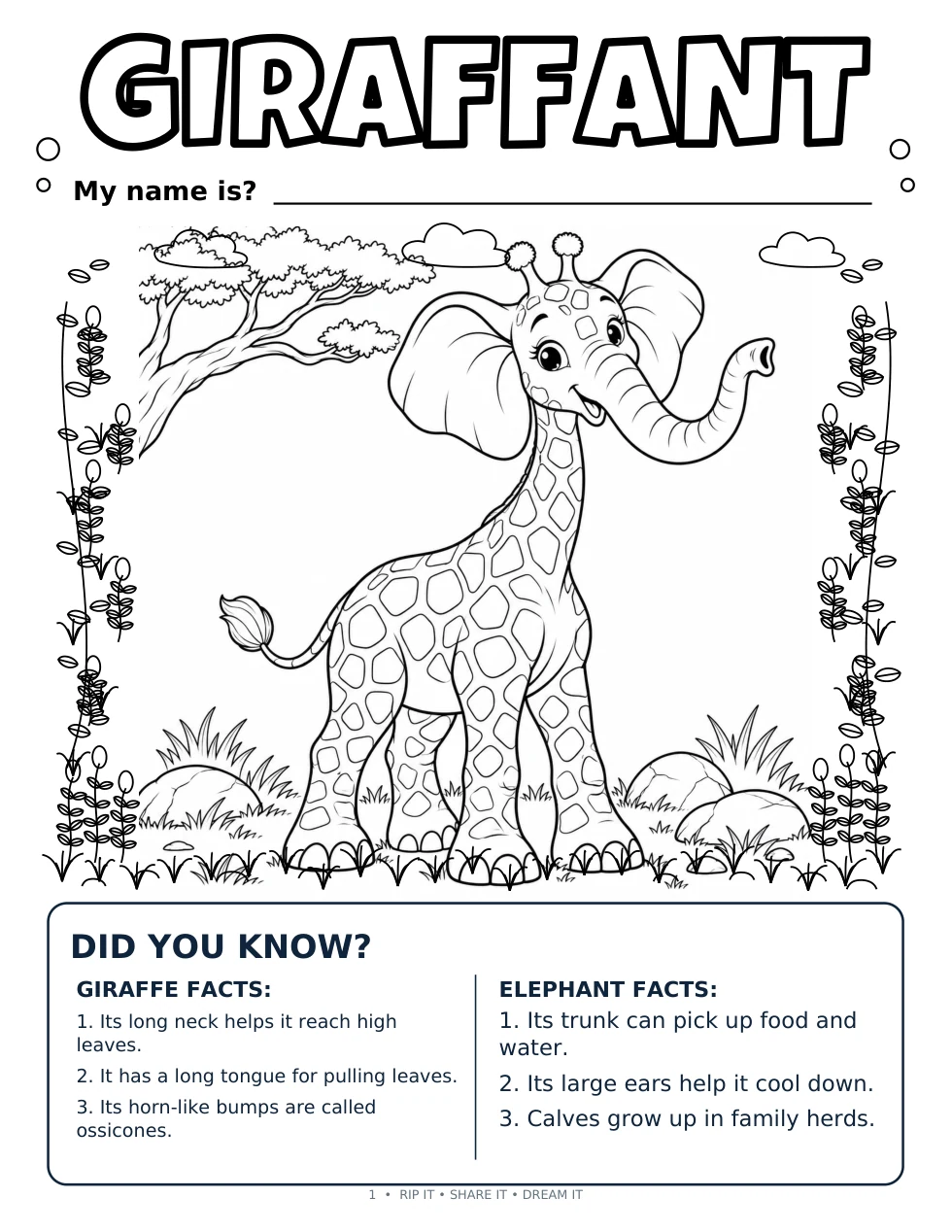
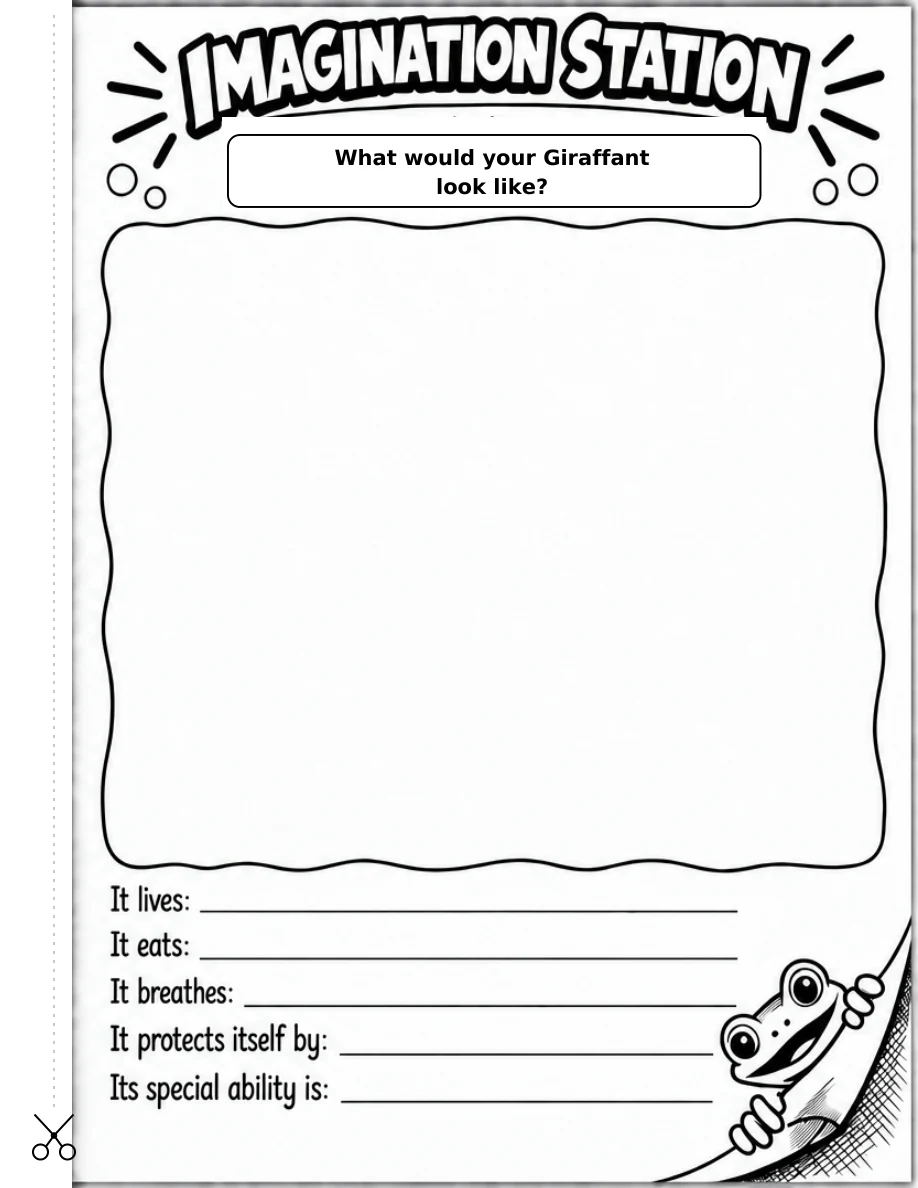
A sample spread from Safari Mashups. Each finished creature has a facing page for a new idea.
Color one. Imagine another.
Start with a creature that catches your eye. Rippy shows the steps inside the book.
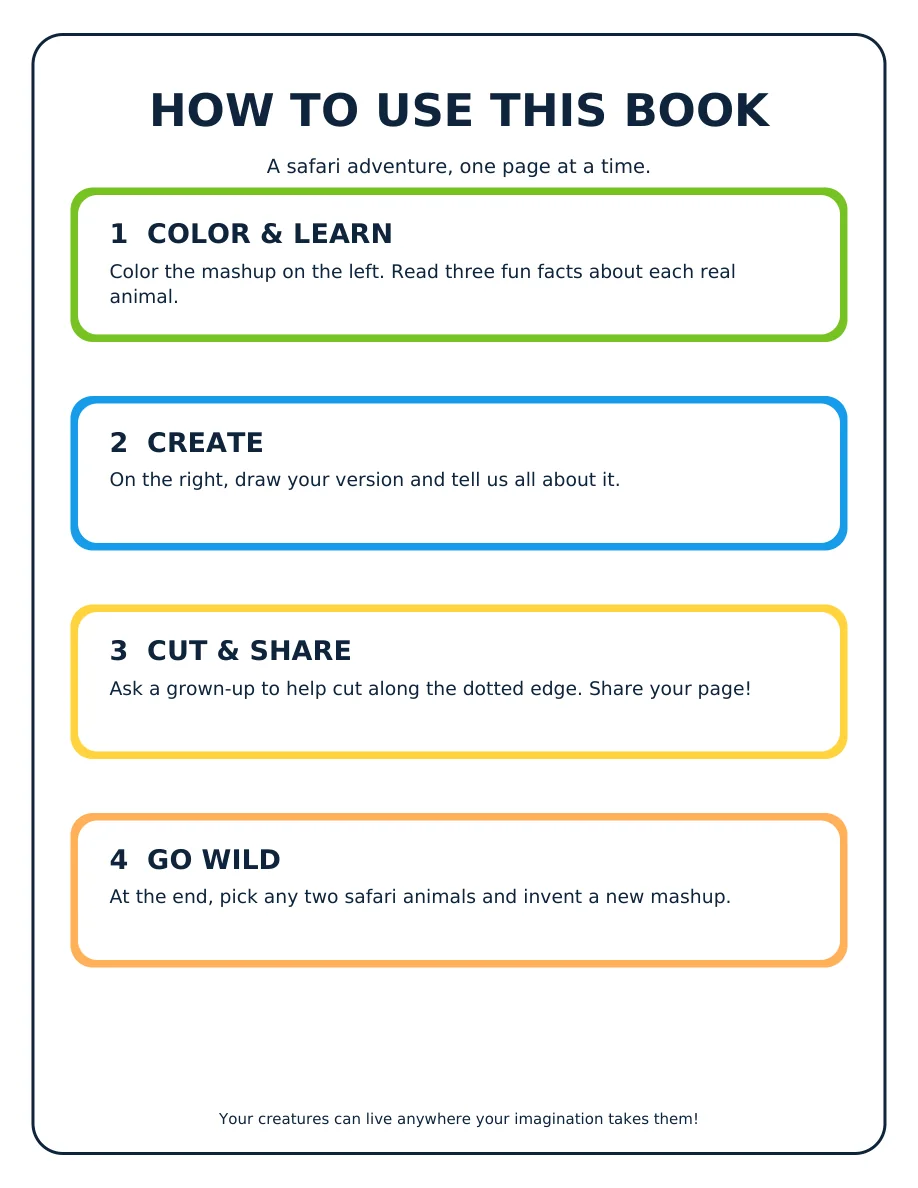
Meet a mashup.
Color the creature on the left and write a name on the line. Read three short facts about each real animal at the bottom.
Make your version.
On the facing Imagination Station page, draw it and tell us where it lives, what it eats, how it breathes, and what makes it special.
Give someone your page.
Ask a grown-up to help cut along the guide so you can share your finished drawing.
Choose two safari animals.
The final Creation Station pages let you choose both animals, draw a brand-new mashup, and tell its story.
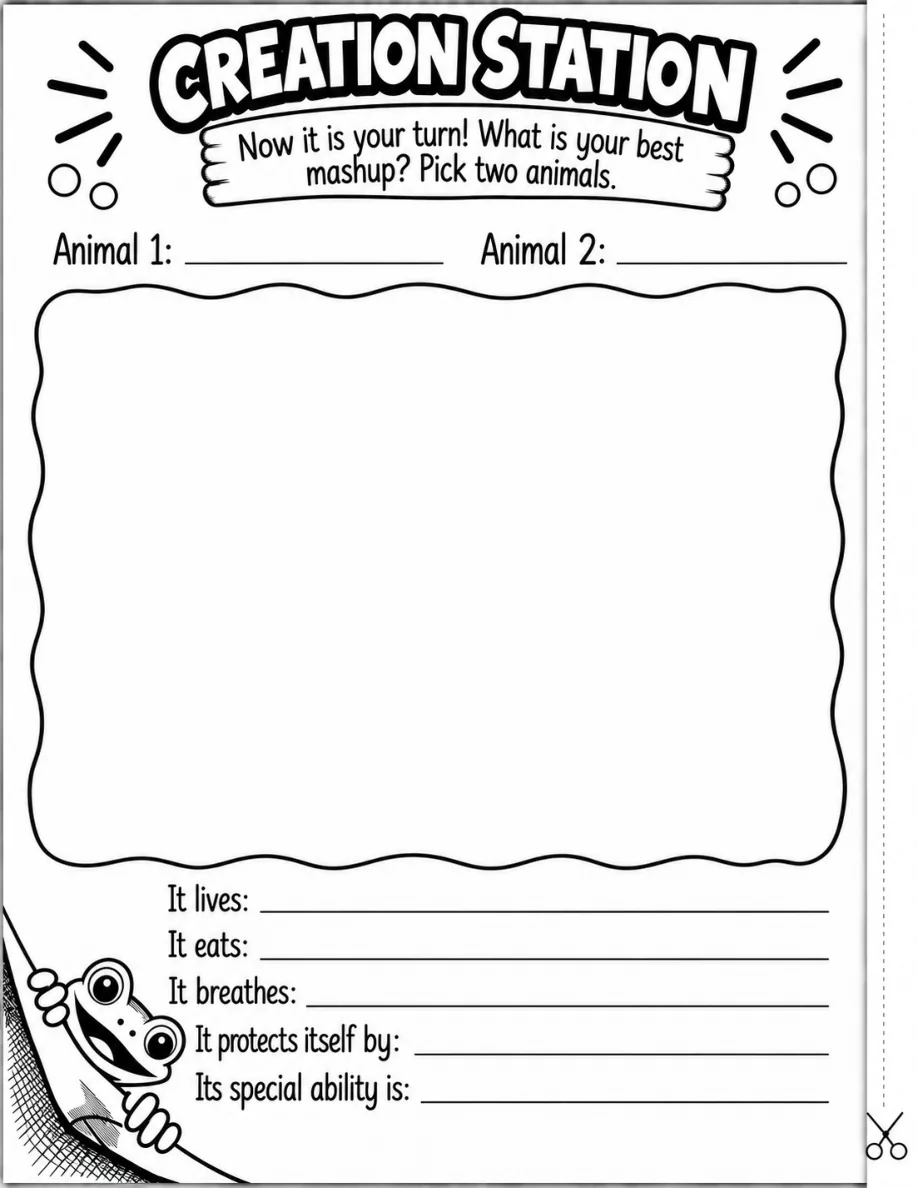
What would you combine?
Write two safari animals at the top, fill the big drawing space, and finish the story prompts below.
Submit a mashup ↗Want to know when it’s ready?
Join the Safari Mashups email list for an ordering update.